




Your AI assistant from Google.
Meet Gemini, your personal AI assistant always ready to help you write, create, plan, learn and so much more.1
Just a press away.
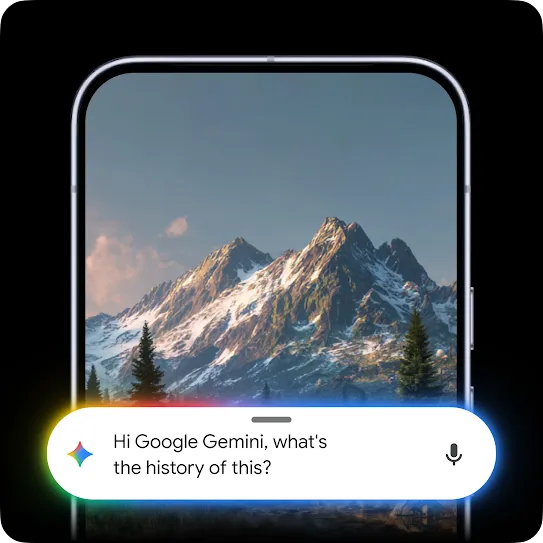
Ask about what you see.
Talk it out with Gemini Live.

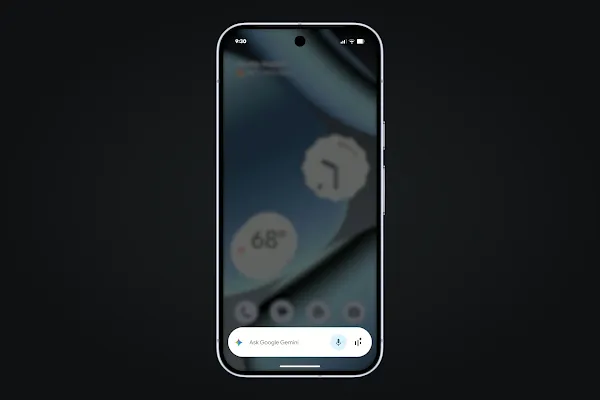
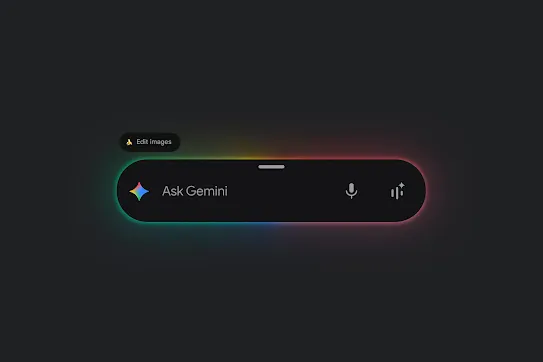
Image editing in Gemini got a major upgrade. Turn a photo into countless new creations or upload multiple photos to blend scenes and ideas.3
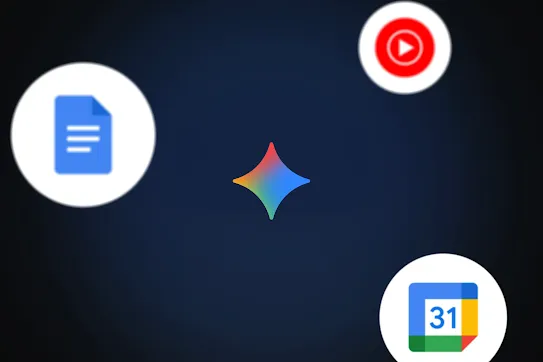
Gemini works with Google apps like Gmail and Maps to help you set reminders, create lists and more.4
Get highly personalised help with everything from holiday ideas to project plans and more.5
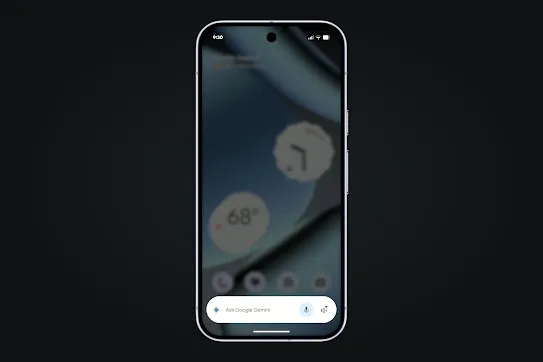
From booking taxis to stocking your fridge. Gemini can handle your everyday digital chores.6
Audio Overviews transform your documents, slides and even Deep Research reports into engaging, podcast-style audio discussions.7
Get more done, faster.
-
Google AI plans
AI that fits your needs.
Gemini has subscription plans beyond the free-of-charge solution. So, whether you’re wanting everyday help or looking to unlock Google AI’s most exclusive features, there’s a plan that fits your needs. -
 Google Gemini
Get your free-of-charge student plan for one year.*
Study with Gemini and get unlimited uploads of your own class materials, study notebooks, interactive visualisations and Gemini Live.
Gemini in action.




Proactive, personalised assistance wherever you are.

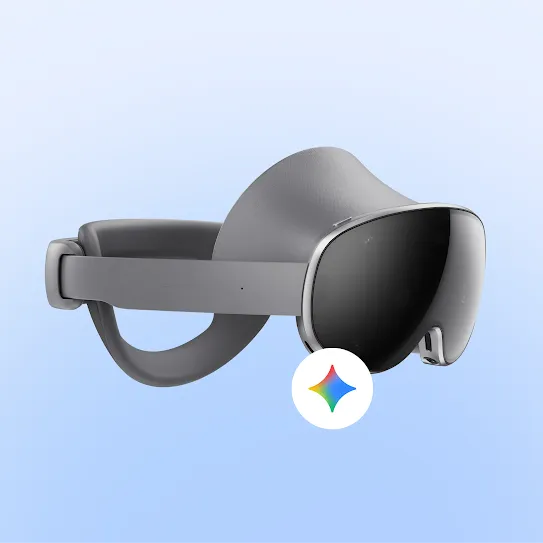
Gemini on XR
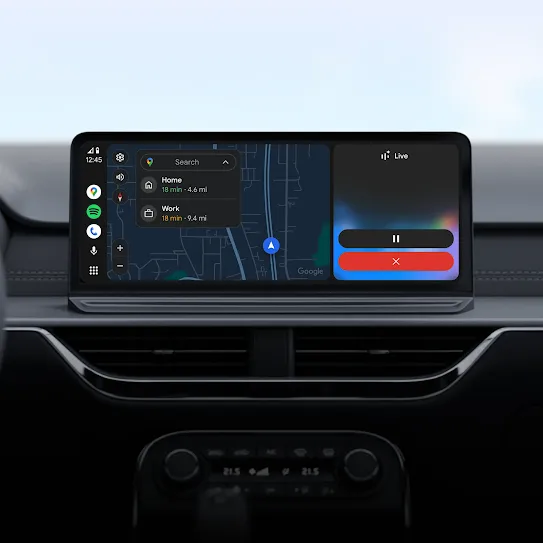
Gemini on Android Auto
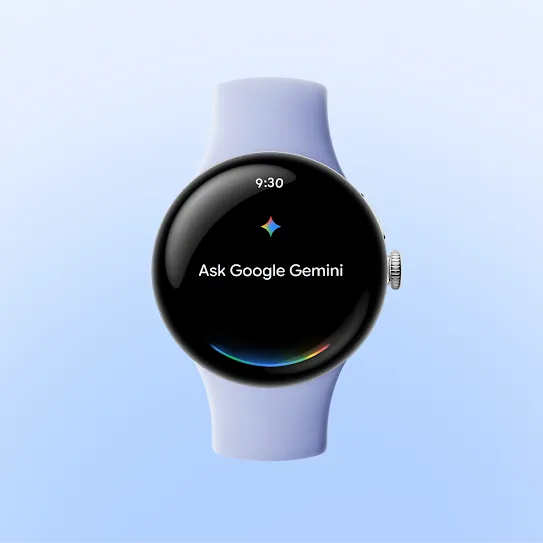
Gemini on Wear OS
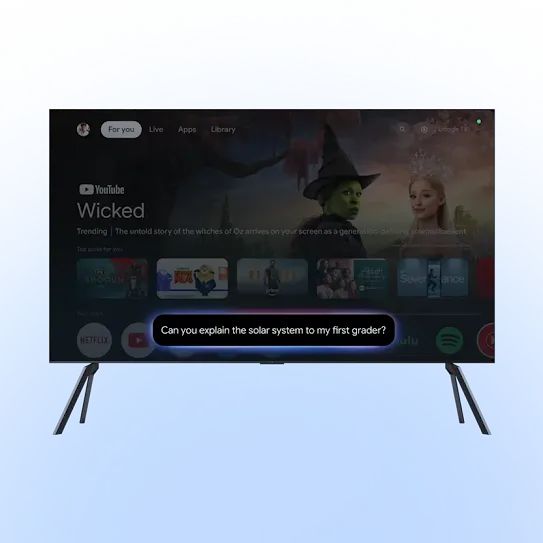
Gemini on Google TV
Get the answers that you need.
Some Android devices come with Gemini as the primary assistant out of the box.
On these devices, to get started with Gemini, open the Gemini app or activate Gemini by touch (such as long pressing the power button).
On other Android devices, you can also download the Gemini app from the Google Play Store or choose to switch to Gemini as your primary mobile assistant.
When Gemini Apps activity is on, Google stores your Gemini Apps activity (such as your prompts, responses and feedback) in your Google Account.
Even when Gemini Apps activity is off, your conversations will be saved with your account for up to 72 hours to allow us to provide the service and process any feedback.
Gemini has usage limits designed to ensure an optimal experience for everyone. This means that we may at times have to cap the number of prompts and conversations that you can have within a specific time frame. Your capacity replenishes regularly, so you can get back to chatting with Gemini soon.
The number of prompts that you can use before hitting the limit varies and depends on factors like how long and complex your prompts are, the size and number of files that you upload, and the length of your conversations with Gemini.
We will also alert you when you are close to reaching your chat capacity for a given period.
Keep exploring Google AI on Android.
-
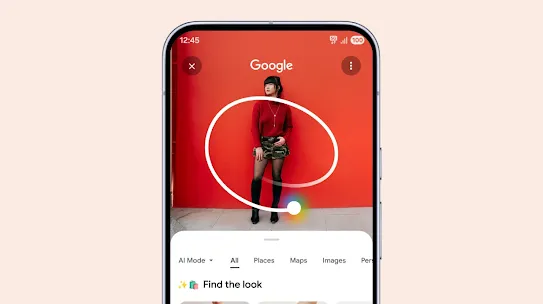
Search for anything
instantly.From shopping to translations, the new way to search is designed to feel more natural and instantaneous. -

More features, more possibilities.
Create, connect and express yourself like never before with our AI-powered features.