


A smarter way to search,
simplified.
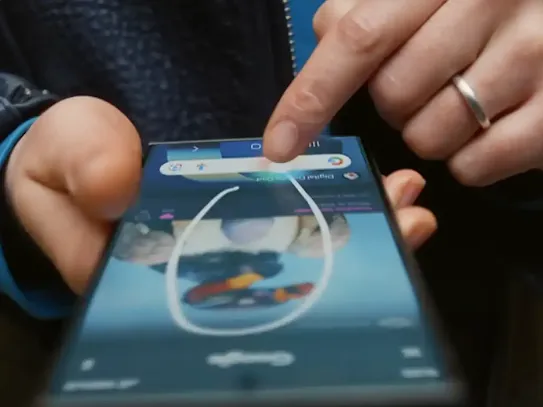
Circle to Search helps you find the information that you need, without needing to switch apps. Just see it, circle it, then instantly find it.
One gesture, many possibilities.
Find it.
Translate it.
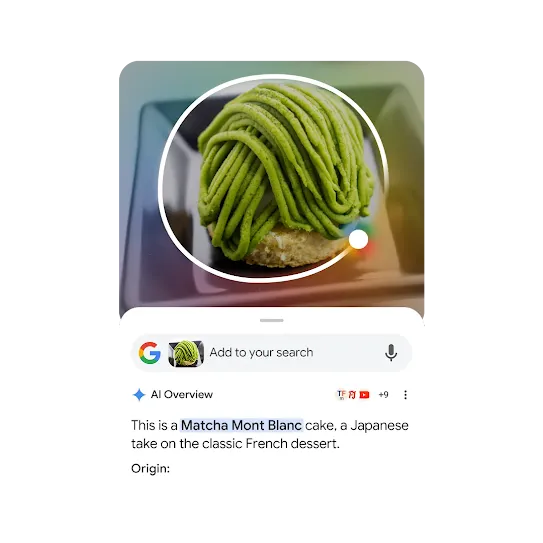
Learn it.
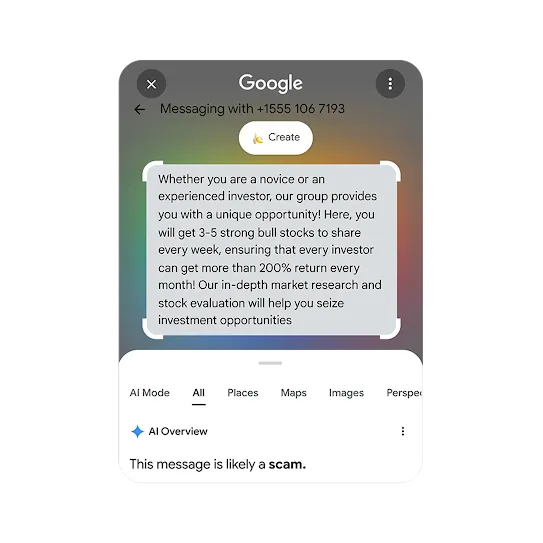
Spot it.
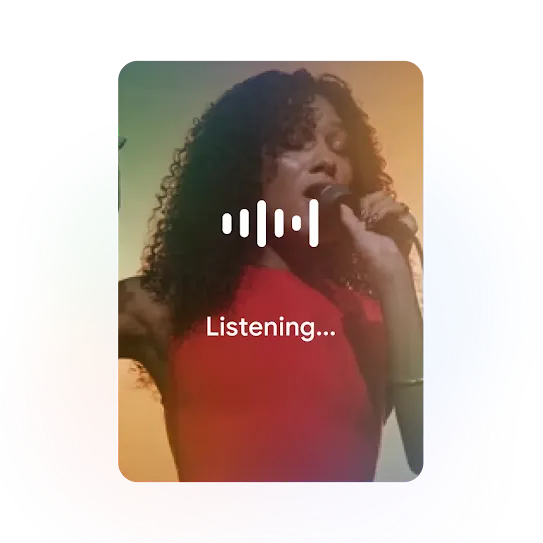
Name it.
-
Find it.
Find every piece of an outfit with just one single search. -
Translate it.
Your new interpreter is here. Search it to translate what's on your screen. -
Learn it.
Get informative summaries with one simple gesture. -
Spot it.
Identify the telltale signs of fraudulent texts and avoid being deceived by scammers. -
Name it.
Recognise that tune, quick. Search songs playing on your device and around you.1
Get the answers that you need.
- In 3-button navigation mode, touch and hold the Home button.
- In gesture navigation mode, touch and hold the navigation bar.
You can search anything on your screen with a gesture, such as circle, tap, scribble or highlight.
You don't need Chrome to be your default browser for Circle to Search to work.
Yes, iPhone users can access a feature similar to Google's Circle to Search through the Google app and the Google Chrome app on their iPhones. This feature, called 'Search screen with Google Lens', allows you to search for objects or text on your screen by circling or highlighting them.
You don't need to download Circle to Search on an Android device.
On Circle to Search, the translation function allows you to instantly translate on-screen text to your preferred language by tapping the Translate button, which is located next to the search bar. This feature auto-detects the language and translates it to your default system language.

Keep exploring
Google AI on Android.
-
Make everyday
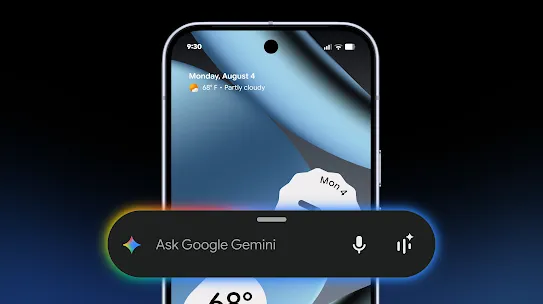
tasks easier.Whether it's decoration advice or help doubling a recipe, AI assistance is more versatile than ever. -

More features, more possibilities.
Create, connect and express yourself like never before with our AI-powered features.