
Take a tour of Android Enterprise with our guided demo
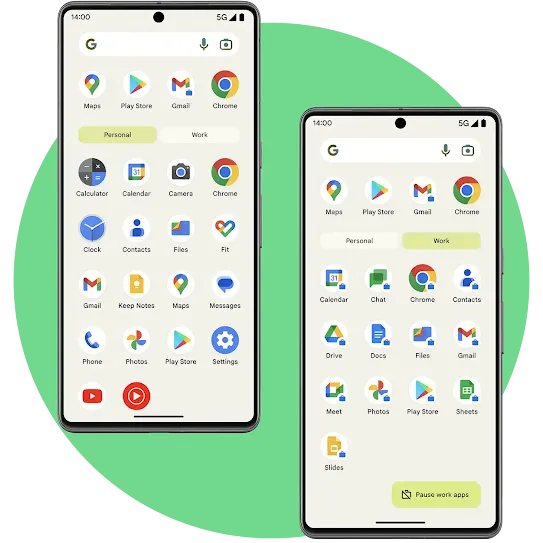
Android Enterprise offers easy management and deployment of Android devices, built-in proactive security, powerful employee experiences and innovative devices, along with the best of Google tools.
Fill in the form and follow the easy steps to demo Android Enterprise on your Android device and to test different management modes and features on your phone.
Thank you.
Choose a demo to test
1
Step 1
Begin setup.
Scan this QR code to set up your work profile on your Android device.

2
Step 2
Complete setup.
Follow the steps on screen.
3
Step 3
Get the companion guide.
Download the companion guide and follow the steps to begin the demo.
Get the guide1
Step 1
Begin setup.
After powering on your Android device for the first time or after a factory reset, tap anywhere on the home screen six times in the same spot.
2
Step 2
Complete setup.
Follow the directions to scan this QR code.

3
Step 3
Get the companion guide.
Download the companion guide and follow the steps to begin the demo.
Get the guide*Requires factory reset