Your AI assistant from Google.






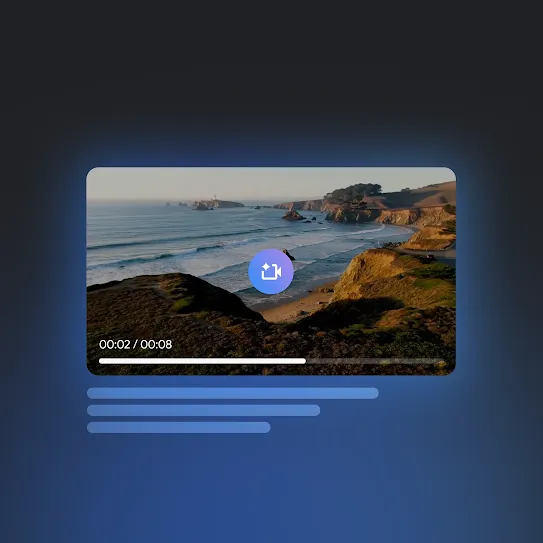
Get priority access to our most capable video generation model yet.
Dive into whole books, lengthy reports, and 30k lines of code repositories.
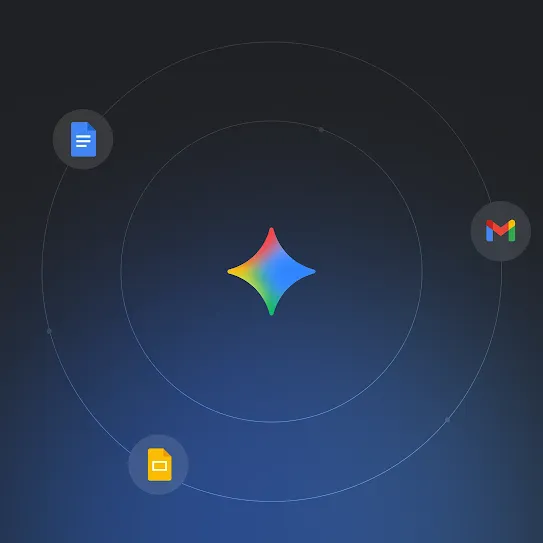
Simplify your tasks with access to Gemini in Gmail, Docs, and more.
Gemini in action.



AI assistance when and where you need it.
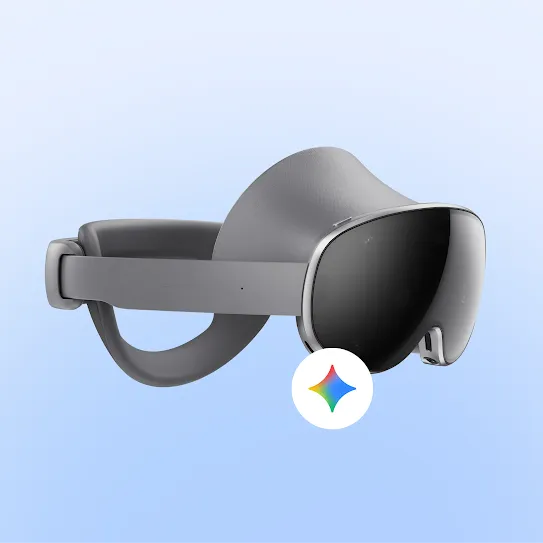
Gemini on XR
Galaxy XR is the first headset powered by Android XR, bringing your real and digital worlds closer than ever.
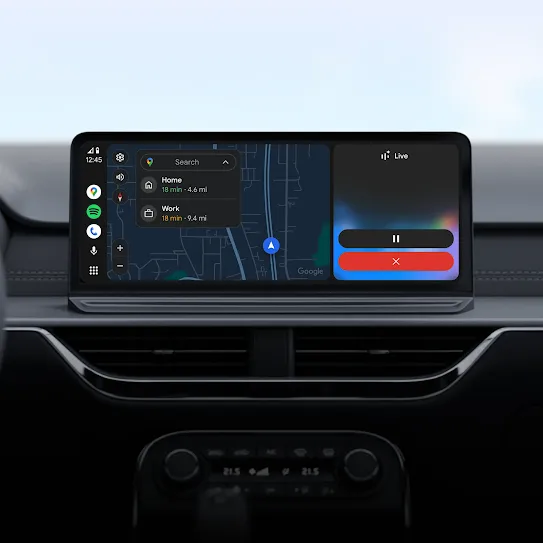
Gemini on Android Auto
Whether you need directions or want to listen to your favorite podcast, get hands-free help from Gemini.
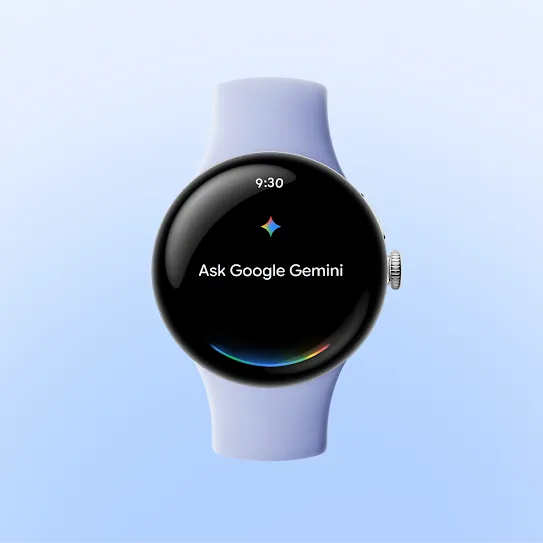
Gemini on Wear OS
Gemini on Wear OS is your AI assistant. Speak naturally to get things done.
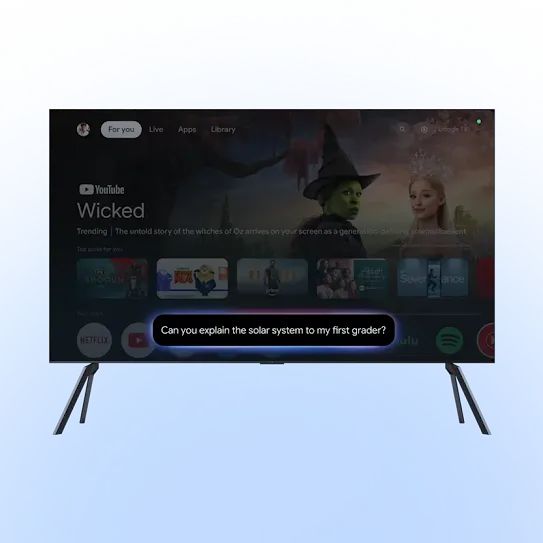
Gemini on Google TV
Speak naturally to find the next show, movie, or YouTube video to enjoy with the family.
Get the answers you need.
Some Android devices come with Gemini as the primary assistant out of the box.
On these devices, to get started with Gemini, open the Gemini app, or activate Gemini by touch (such as long pressing the power button).
On other Android devices, you can also download the Gemini app from the Google Play Store or choose to switch to Gemini as your primary mobile assistant.
When Gemini Apps Activity is on, Google stores your Gemini Apps activity (such as your prompts, responses, and feedback) in your Google Account.
Even when Gemini Apps Activity is off, your conversations will be saved with your account for up to 72 hours to allow us to provide the service and process any feedback.
Gemini has usage limits designed to ensure an optimal experience for everyone. This means we may at times have to cap the number of prompts and conversations you can have within a specific timeframe. Your capacity replenishes regularly, so you can get back to chatting with Gemini soon.
The number of prompts you can use before hitting the limit varies and depends on factors like how long and complex your prompts are, the size and number of files you upload, and the length of your conversations with Gemini.
We will also alert you when you are close to reaching your chat capacity for a given period.
Keep exploring Google AI on Android.
-
Search for anything instantly.
From shopping to translations, the new way to search is designed to feel more natural and instantaneous.
Learn more -
More features, more possibilities.
Create, connect, and express yourself like never before with our AI-powered features.
Explore now