Get more done

Built for work-life balance.

Offer employees a device that helps them to do more. Whether they're in or out of work mode.

A professional, Black man wearing over-ear headphones is smiling while holding his mobile device and a water bottle while sitting outside on a park bench.
A white man with glasses is wearing a beige tee shirt under a green jacket smiling and working on his laptop while sitting in a conference room next to his Asian, female colleague wearing a white turtleneck and glasses.

Power-up employee experiences

Connect employees to the tools they count on. Privacy controls. Productivity apps. Essential integrations. And features that keep digital well-being in focus.

Black briefcase icon

Secure data. And protect privacy.

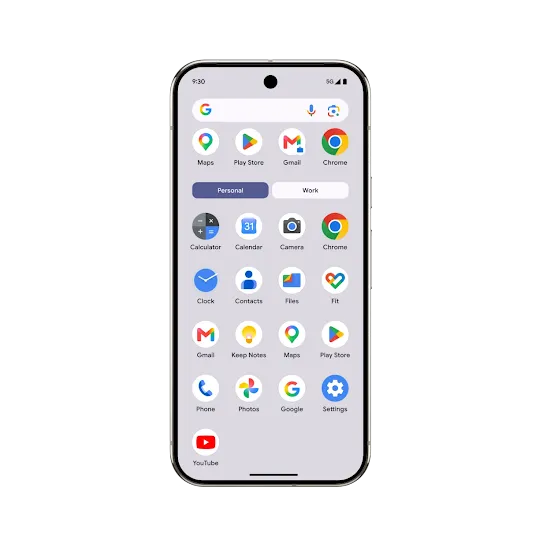
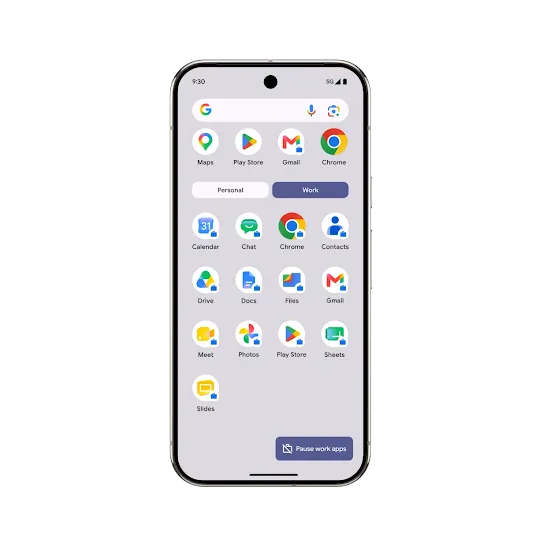
Work Profile creates a clear boundary between professional and personal profiles on Android devices. That means company data stays safe. And personal data stays personal.

Learn more

PERSONAL
WORK PROFILE

PERSONAL

Personal theme on mobile screen.

WORK PROFILE

Work profile theme on mobile screen.

Play silent looping video Pause silent looping video
Device protection black logo

Fine-tune focus

Drown out distractions and stay in the flow of work with Focus Mode. Or use Pause Work Apps on Work Profile to unwind from the workday. Android makes it easy to zero in on what matters at the moment.

Learn more

Amplify employee efficiency

Put mission-critical business apps and AI tools right at your employees’ fingertips. Gemini, Magic Compose, and Google Assistant for Android help employees get more done.

Learn more

A white man wearing a gray checkered suit and burgundy tie talking on his mobile phone while looking out the window in the backseat of a car.

Try out Android Work Profile

Discover the simplicity of dividing your digital life on your Android device. Set up separate work and personal profiles with just a few easy steps.
Work Profile
Separate work apps and data (managed by your organization) from employee personal data on employee and company-owned devices.

1

Step 1

Begin setup.

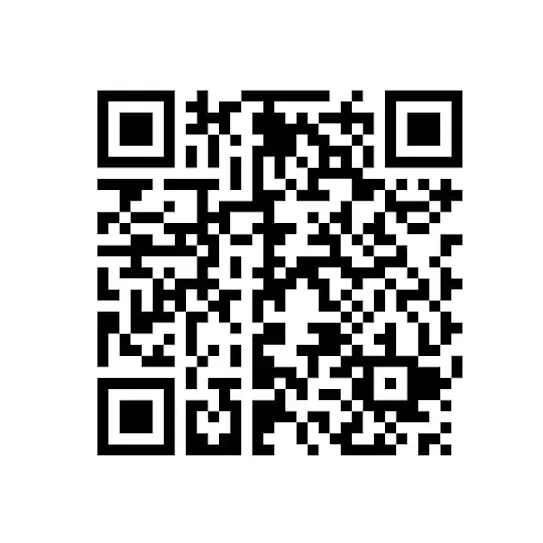
Scan this QR code to set up your work profile on your Android device.

employee-qr

2

Step 2

Complete setup.

Follow the steps on screen.

3

Step 3

Get the companion guide.

Download the companion guide and follow the steps to begin the demo.

Get the guide

More resources on Android Enterprise.

Read up on which Android device is right for you. Find videos about our latest security features. Find it all at our resource centre.

See all resources

Some features and devices may not be available in all languages or countries. Subject to availability.
Some features and availability vary by OEM and/or device manufacturer.

Play silent looping video Pause silent looping video